ServerShout
A Cross-Server Shout and Invite plugin for BungeeCord/Velocity/Bukkit
ServerShout 2
ServerShout is a Cross-Server Shout and Invite plugin for Bukkit/BungeeCord/Velocity. It features high performance and a high degree of customization, and it is compatible with PlaceholderAPI and LuckPerms.
Screenshots
Cross-Server Shout

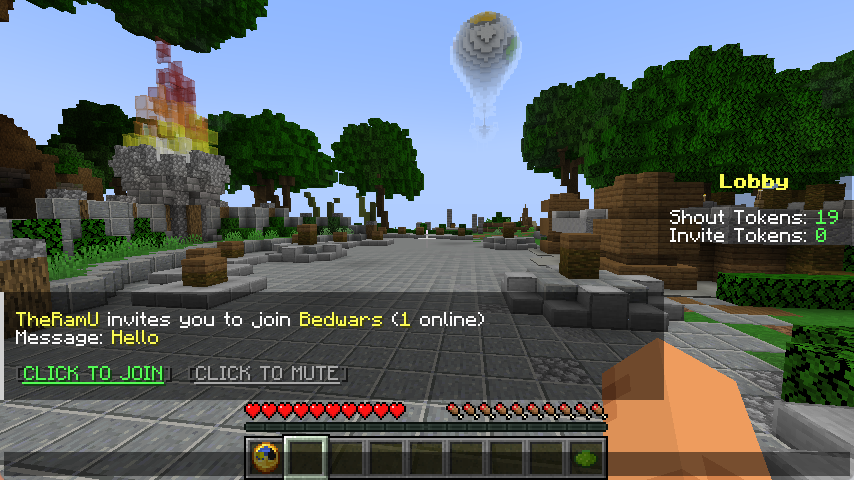
Cross-Server Invite
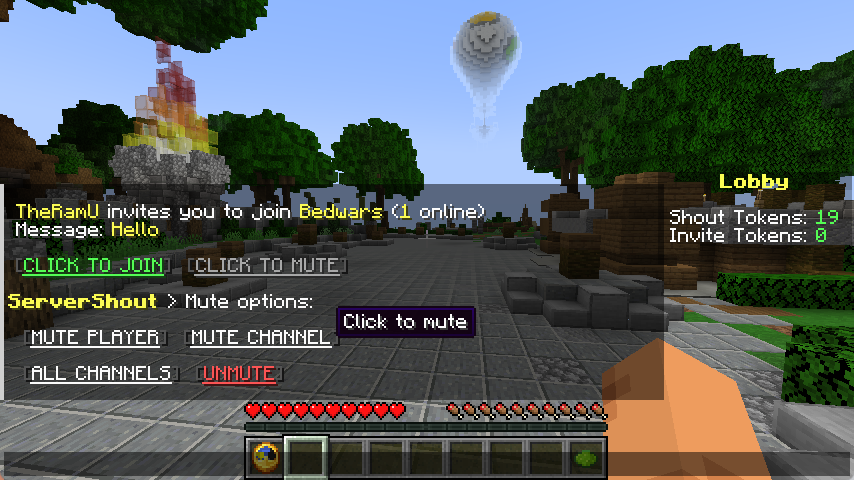
Message Mute
Commands & Permissions
/ss help - Get help
/ss reload - Reload configuration
/ss token list - List all tokens
/ss token create <NAME> - Create new token
/ss token delete <NAME> - Delete token
/ss balance get <PLAYER> <TOKEN> - Check player token balance
/ss balance set <PLAYER> <TOKEN> <AMOUNT> - Set player token balance
/ss balance give <PLAYER> <TOKEN> <AMOUNT> - Give tokens to player
/ss balance take <PLAYER> <TOKEN> <AMOUNT> - Take tokens from player
servershout.help - Allows use of /ss help
servershout.reload - Allows use of /ss reload
servershout.token.list - Allows use of /ss token list
servershout.token.create - Allows use of /ss token create
servershout.token.delete - Allows use of /ss token delete
servershout.balance.get - Allows use of /ss balance get
servershout.balance.set - Allows use of /ss balance set
servershout.balance.give - Allows use of /ss balance give
servershout.balance.take - Allows use of /ss balance take
servershout.update.notify - Allows receiving update notifications
BungeeCord Command: /ssb | Velocity Command: /ssv
⭐ Default Shout format: !<MESSAGE>
⭐ Default Invite format: /invite or /invite <MESSAGE>
PlaceholderAPI Placeholders
%servershout_balance_<TOKEN>% the player's token amount
LuckPerms Meta Placeholders
In shout.yml, you can configure the show of a player's LuckPerms Meta value in messages.
For example:
{luckperms_meta_prefix} displays the prefix Meta value, i.e., the player's prefix.
Other Meta values can be managed via /lp user <player> meta
Usage
- Download the jar file and place it in the plugins directory of the proxy (BungeeCord/Velocity) (required)
- Place the jar file in the plugins directory of Bukkit as the management end of ServerShout (optional).
- Restart the server.
- Edit config.yml to configure the database and reload the plugin (optional). If the database is not configured, player tokens will not be deducted, and players can send messages without restrictions.
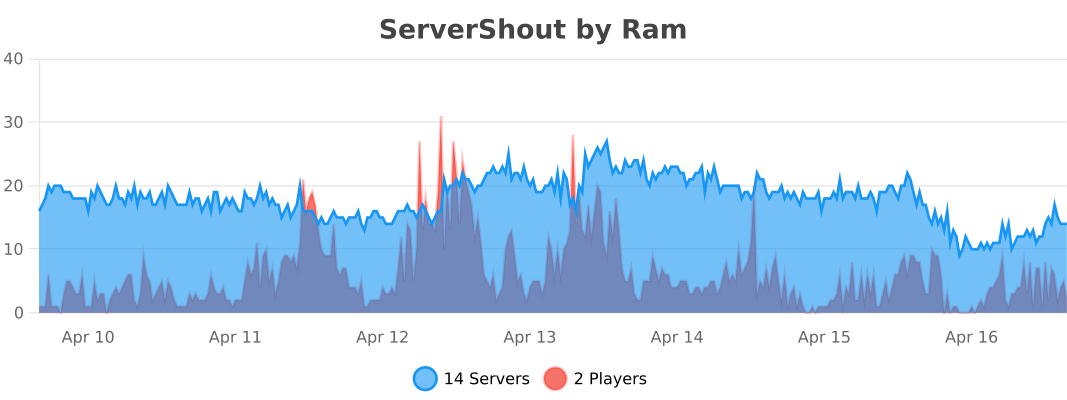
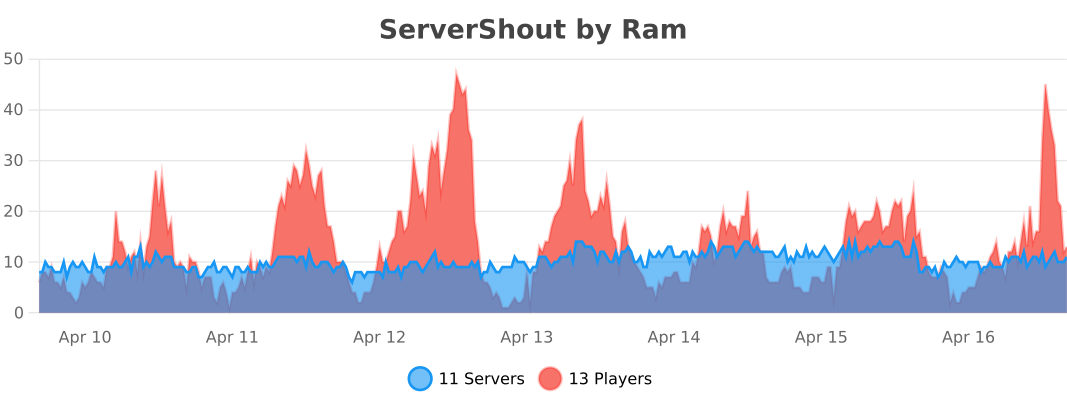
Stats
BungeeCord
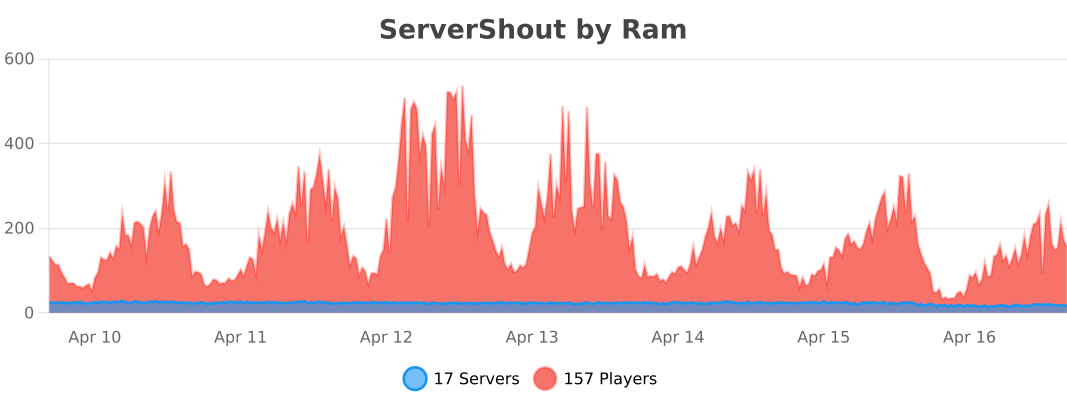
Velocity
Bukkit